Notifications
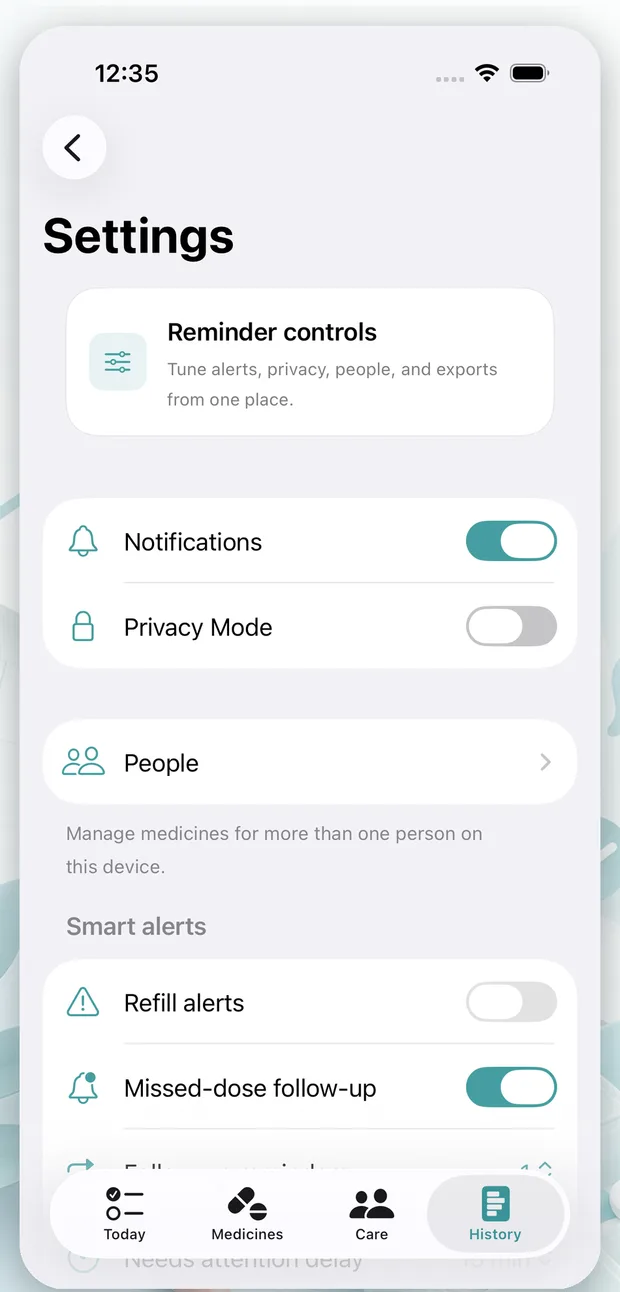
Check reminder permissions, notification settings, and Focus modes.
View helpCare Dose
How can we help?
Get help with Care Dose setup, notifications, privacy controls, reports, local data controls, and subscriptions.
Send a message to support@caredose.app. Include only details you want to share by email.
Showing all help topics.
Confirm notifications are enabled for Care Dose in iOS Settings, then review Focus modes, Scheduled Summary, Low Power Mode, and the reminder times saved in the app.
Apple Health import requires your permission. Review each imported medicine before saving it to Care Dose, and edit anything that does not match your current plan.
Privacy Mode helps reduce visible medicine details in notifications and app surfaces. It does not replace device passcodes, Face ID, or other iPhone privacy settings.
Exports are created by you from inside the app so you can save or share dose history when needed. Review exported files before sending them to anyone else.
Care Dose has no web account to delete in v1. Use the app's local controls to remove medicines, notes, photos, profiles, or exported files from your device.
When subscriptions are available, purchases, renewals, cancellations, and refunds are handled through Apple and your App Store account settings.
Care Dose is a reminder and history tool. It does not provide diagnosis, dosage guidance, contraindication checks, emergency alerts, or emergency care.
If you think you may be experiencing a medical emergency, call your local emergency number.
Review exports, local deletion options, and what leaves your device.