Care Dose
Privacy Policy
Local-first by design
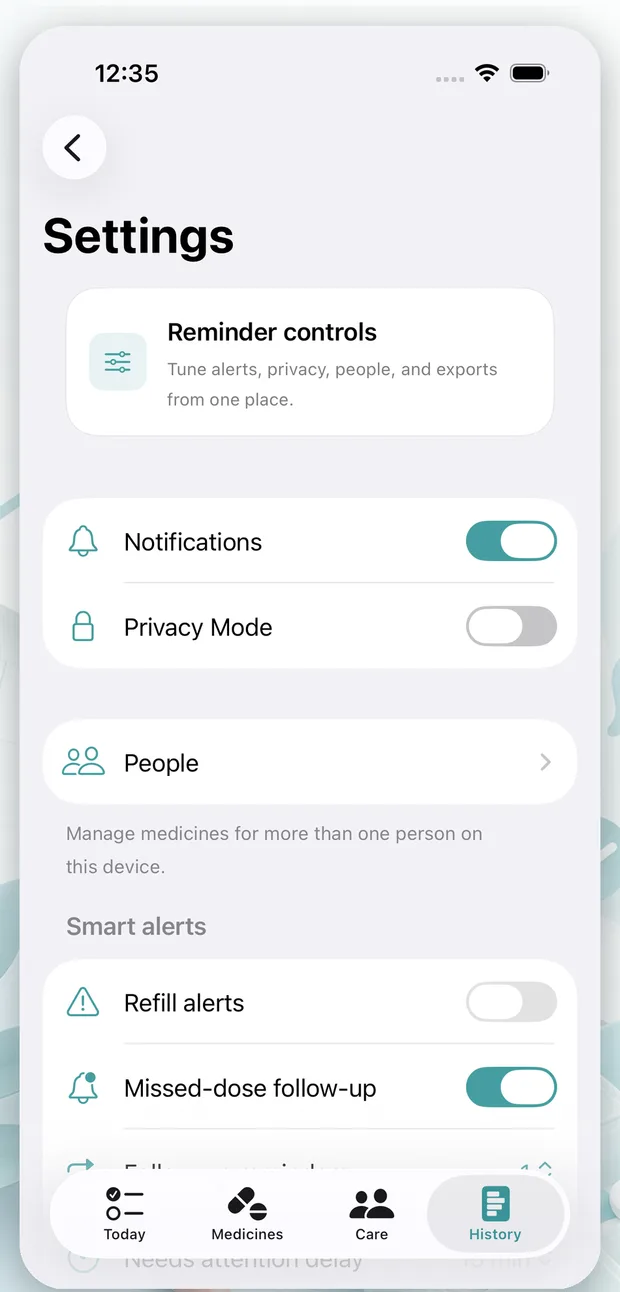
Your medicine routine stays on your iPhone unless you choose to export, share, or email information.
Last updated: July 5, 2026
Questions? Email support@caredose.app.
No account
Use Care Dose without creating an online account.
No ads
Care Dose has no ads and no in-app ad tracking.
No tracking
The app privacy manifest currently declares no tracking.
No sale of health data
Care Dose does not sell health-adjacent data.
What stays on your device
Medicine lists, schedules, reminders, notes, photos, and history are stored locally on your iPhone.
What stays on your device
Medicine lists, schedules, reminders, notes, photos, and history are stored locally on your iPhone.
When data leaves the app
Data leaves only when you choose to export, share, or email it.
When data leaves the app
Data leaves only when you choose to export, share, or email it.
Permissions
Notifications, photos, and health permissions can be reviewed in iOS Settings.
Permissions
Notifications, photos, and health permissions can be reviewed in iOS Settings.
Apple Health import
Apple Health import is user-authorized and review-before-save.
Apple Health import
Apple Health import is user-authorized and review-before-save.
Photos and notes
Photos and health notes stay local unless you choose to export or share them.
Photos and notes
Photos and health notes stay local unless you choose to export or share them.
Exports and support email
Support emails may contain information you choose to send.
Exports and support email
Support emails may contain information you choose to send.
Delete data
You can delete local Care Dose data from inside the app.
Delete data
You can delete local Care Dose data from inside the app.
Contact
Privacy questions can be sent to Care Dose support.
Contact
Privacy questions can be sent to Care Dose support.
Not medical advice
Care Dose is a reminder and history tool, not medical advice.
Not medical advice
Care Dose is a reminder and history tool, not medical advice.
Your data. Your choice.
Export, review, or delete local information from your iPhone.
Go to Data ControlsYour data. Your choice.
Export, review, or delete local information from your iPhone.