Export history
Create CSV exports or doctor-ready reports from Care Dose, then choose where to save or share them.
Learn howYour data is stored locally
Care Dose does not store your information on a Care Dose server. You are in control of data on your iPhone.
Care Dose does not use online accounts in v1. There is no website account for support to close, and local app data is controlled on your device.
Create CSV exports or doctor-ready reports from Care Dose, then choose where to save or share them.
Learn howRemove medicines, schedules, profiles, notes, photos, or history using local controls on your device.
Learn howDelete attached medicine photos and health notes when you no longer want to keep them.
Learn howThese controls work locally on your iPhone. Review exports before sharing and confirm deletions before removing data.
Open Care Dose on your iPhone.
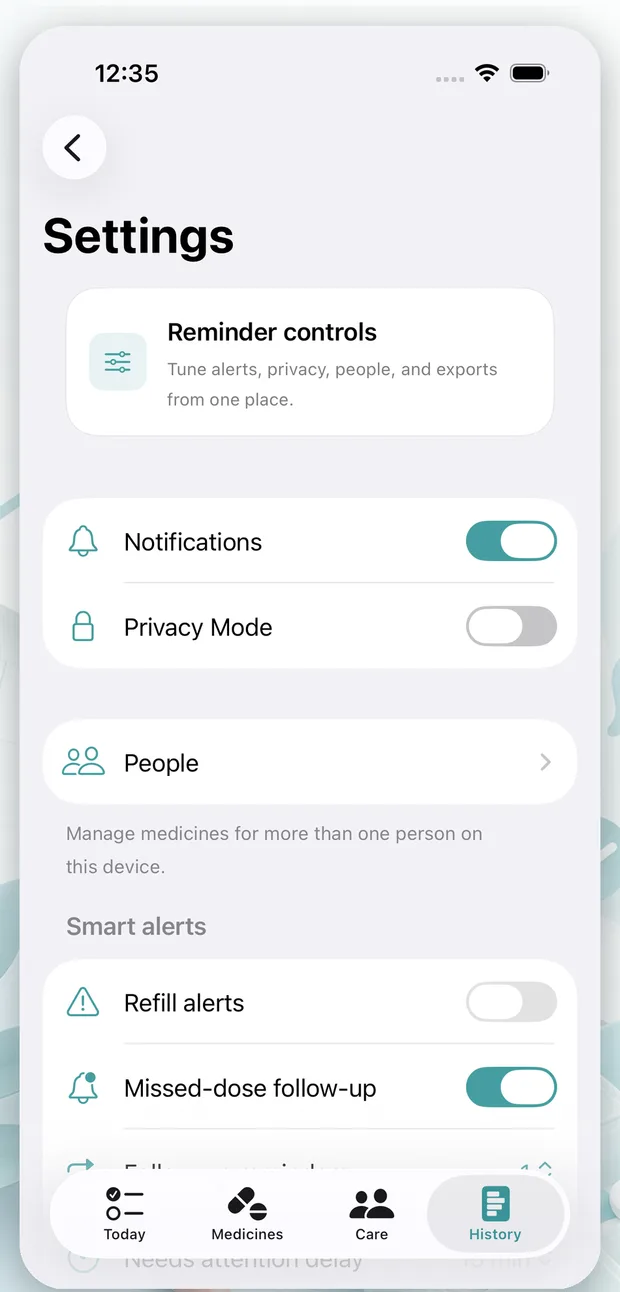
Open Settings, then review export or local data options.
Choose the local action you want to review.
Review details and confirm your choice.
In Care Dose, use the export options in Settings or History to create reports or CSV files. Exports are created only when you start them.
Use in-app delete controls to remove local records you no longer want to keep. Support can explain the controls, but cannot remotely delete local-only data from your iPhone.
Delete health notes or remove attached photos from the relevant medicine or note screen when you no longer need that local context.
If you uninstall Care Dose, local app data and attachments may be lost unless backed up by your device system. Export history before uninstalling when you need a copy.